Manage tables quickly using available table actions.
For touchscreen devices, long press the table you want to manage and select the required action.
For devices using a mouse, right-click the table to open the table management options.
Table actions are only available when Table Service is enabled in your POS settings.
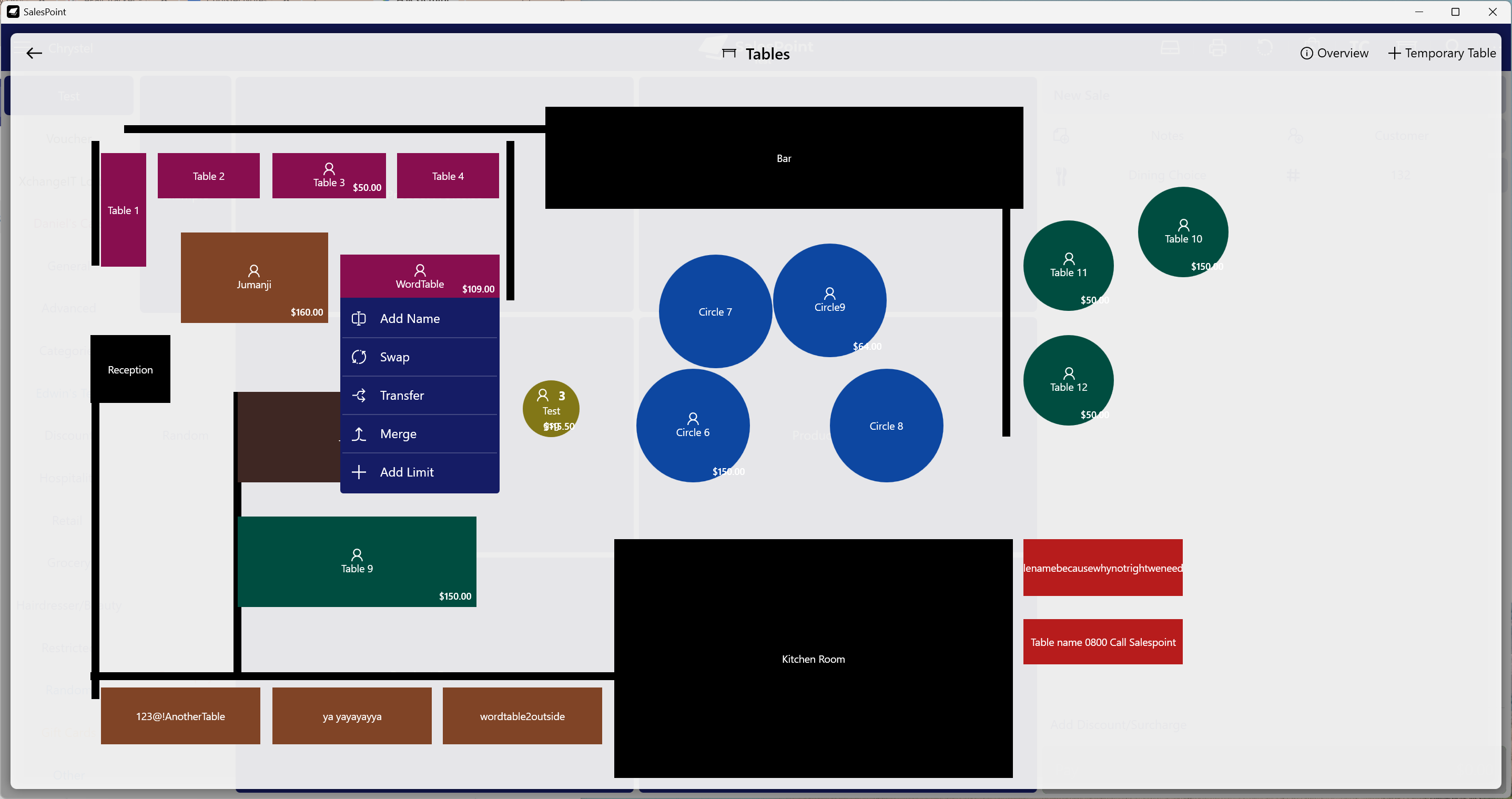
Available Table Actions
Limit
Set a spending limit for a table. Once the limit has been reached, the system can notify staff or prevent additional orders from being added.
Merge
Combine two tables into one by moving all items and orders onto a single table. This is useful when customers move tables or join another group.
Name
Assign a custom name to a table to make it easier for staff to identify customers or bookings.
Transfer
Move an order from one table to another without affecting existing orders on the destination table.
Swap
Exchange orders between two tables. This is useful when customers change seating arrangements.
Learn about the Dining Feature: Set Up Tables and Takeaway Queues