1. Once the membership products have been created, navigate to the Sale Screen.
2. Select the Customer button.
3. Open the customer's Information icon.
4. Select the Membership section.
5. Select the Buy button. Choose the membership the customer would like to purchase.
6. Once selected, the membership will automatically be added to the sale.
7. Complete the payment process by selecting Pay.
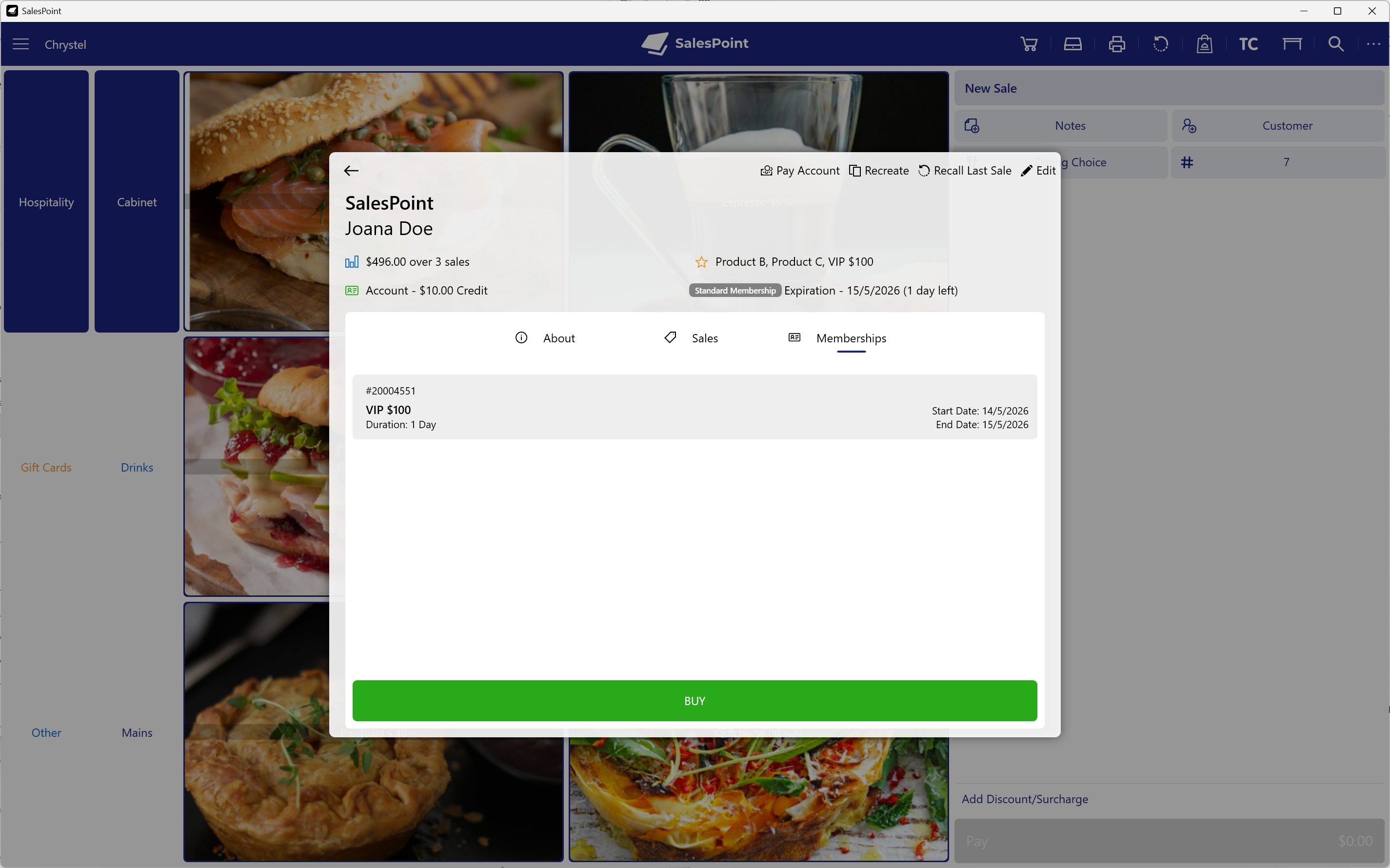
Figure 1: Purchasing a membership from the Sale Screen.
Refunding memberships is currently not supported.